
Bunker Tidy Up controls and first steps
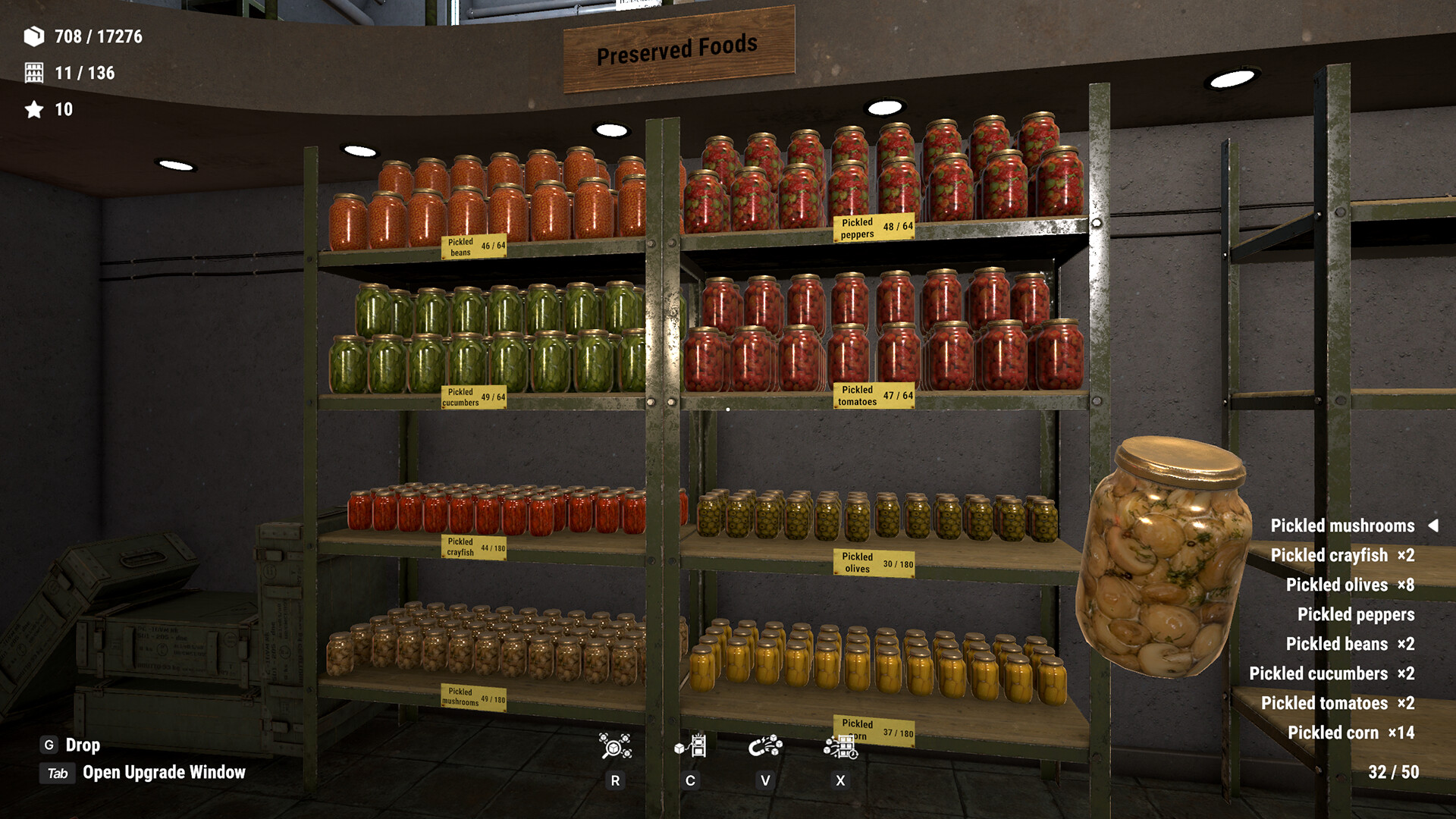
Start with G to drop held items and Tab to open the Upgrade Window. For a shorter search with less clutter, choose Easy Mode; for a replay using skills you have already earned, choose New Game+.
Controls you will use first
| Input | Action |
|---|---|
| G | Drop the item you are holding |
| Tab | Open the Upgrade Window |
| Mouse interaction | Pick up, carry and place supplies |
| Controller | Full controller support is listed on Steam |
The G and Tab prompts appear in the store screenshots. Read the prompts on your own input device for other interactions; do not substitute G for a disposal action just because both involve getting an item out of your hands.
A first-room routine
- Find a shelf category near your current pile. Food, medicine, tools and books are the four examples named by the game.
- Carry a group of the same item type toward its shelf instead of making one trip for every object.
- Place a few items and inspect the HUD's correct-placement and category counters. Use the change in the counters to check the destination before committing the entire pile.
- Work outward from the cleared space. When searching for the last objects, compare the remaining category counts instead of scanning every shelf again.
- Open Tab between trips and inspect the next skill level. Spend points on the carrying or magnet improvement that removes the trip you are repeating most often.
Capacity and magnet upgrades
| Track | v1.0.5 change | Use it for |
|---|---|---|
| Hand capacity | Two extra levels; maximum 50 → 75 items | Larger groups on the same shelf route |
| Magnet pull | 25 → 30 items per use | Gathering scattered supplies |
| Magnet recharge | 30 → 25 seconds | Reducing pauses between pulls |
Those are the upgraded limits, rather than a promise that a fresh character starts with them. The September patch allowed previously banked points to buy the new levels.
Easy Mode: fewer objects to hunt
The October 23 update reduces the item count and makes some objects larger. Use it when finding small objects is spoiling the sorting loop. A lower total in this mode is part of its design; the headline 17,437 supplies is not a universal counter value for every playthrough. The category guide explains how to use the HUD rather than a fixed total.
New Game+: skills stay, points reset
For a replay, New Game+ preserves all skills but resets accumulated points. Keeping a learned upgrade and keeping unspent currency are different things. A zero point balance at the start of New Game+ does not mean the skill carry-over failed: inspect the Upgrade Window and separate the learned skills from the point balance.
If your progress looks different
- Fewer supplies: check whether you selected Easy Mode.
- No banked points after a replay: New Game+ resets those points deliberately.
- A category will not finish: check its remaining count, then search the relevant piles and shelves. Placing an item somewhere is different from placing it correctly.
- You want the new room: it is scheduled for November 6, after the Easy Mode/New Game+ update. It is still a future addition on November 2.
For the revised ending and the distinction between released and upcoming content, see update history.
Sources: October 23 update, v1.0.5 skill changes, Steam store.